Advantrix Consulting
Products  /  Supplier Support Agent

Supplier questions about SAP Ariba, answered before they reach your help desk.

The Supplier Support Agent is a chat assistant for your suppliers. It walks them through signing in, creating an account and sending order confirmations, ship notices, service entry sheets and invoices, with a screenshot for each step. When that is not enough, it brings in a consultant.
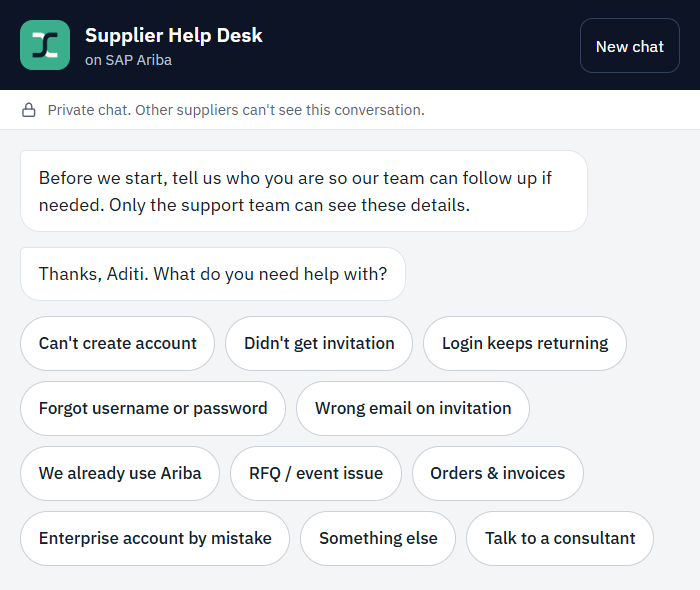
The Supplier Help Desk chat on SAP Ariba. A notice says the chat is private. The assistant asks what the supplier needs help with and offers shortcuts: cannot create account, did not get invitation, login keeps returning, forgot username or password, wrong email on invitation, RFQ or event issue, orders and invoices, and talk to a consultant
What suppliers ask

The questions a supplier help desk hears every day.

From the first sign-in to the first invoice: creating an account, signing in, and sending order confirmations, advance ship notices, service entry sheets and invoices.

Cannot create an account
Did not get the invitation
Login keeps returning
Forgot username or password
Wrong email on the invitation
Already using Ariba
RFQ or event issue
Orders and invoices
Enterprise account opened by mistake
Guided steps

One step at a time, with a picture of the screen.

Each answer is a short sequence of steps. The supplier sees where they are, what the screen should look like and what to click.

  • A step counter and progress bar on every guide
  • A screenshot for each step, which can be enlarged
  • Quick replies: done, I see an error, or my screen looks different
  • A typed question at any point
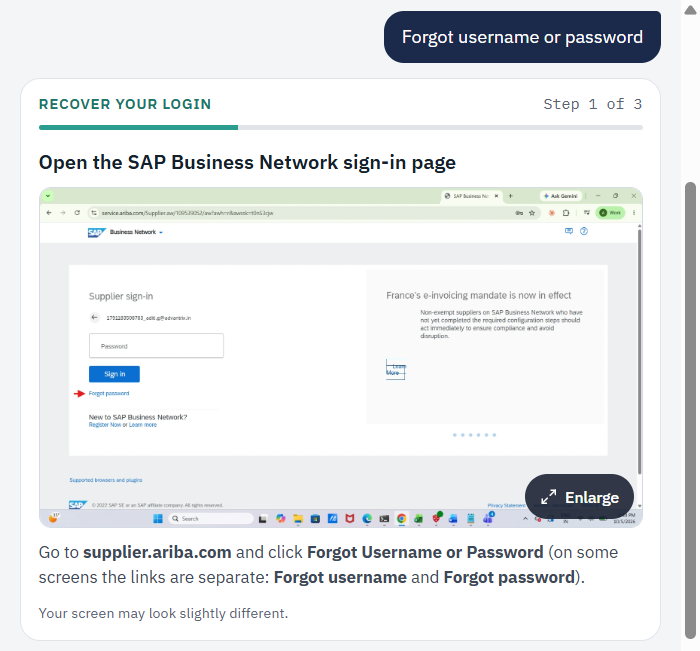
A guided step in the chat. After the supplier chooses forgot username or password, a card titled recover your login shows step 1 of 3, open the SAP Business Network sign-in page, with a screenshot of the page, an arrow on the forgot password link and an enlarge button
A person when needed

If the steps are not enough, a consultant joins the same chat.

The consultant can see the conversation so far, so the supplier does not have to repeat anything.

  1. 01The supplier asks for a consultant, or the assistant offers one.
  2. 02A link to a live chat is generated.
  3. 03The consultant connects and picks up from the conversation.
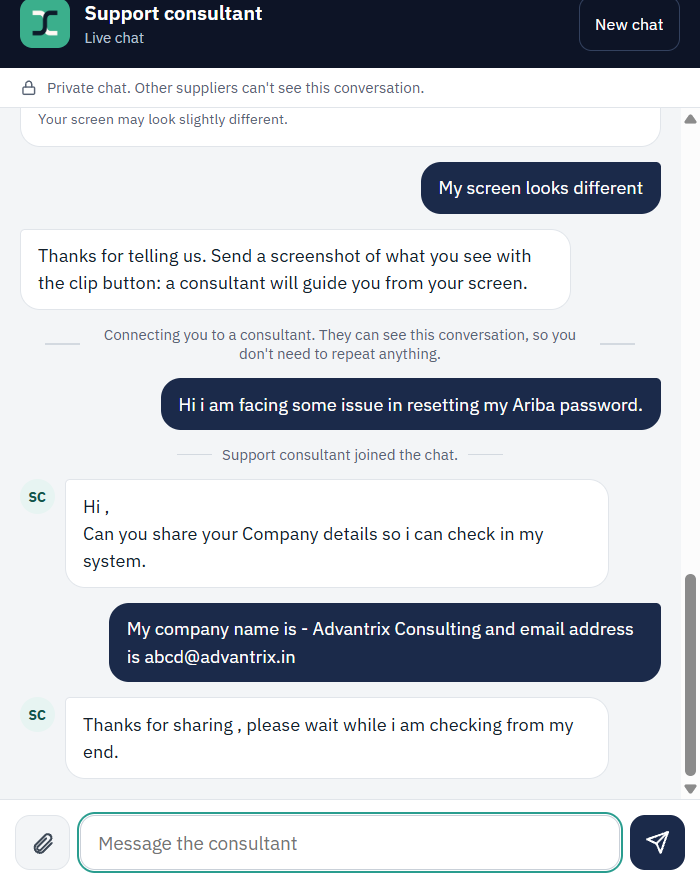
A live chat with a support consultant. The assistant says it is connecting the supplier to a consultant who can see the conversation, the consultant joins, asks for the company details and says they are checking
Everything in the agent

The full list.

Private chat
Other suppliers cannot see the conversation.
Supplier details
Asks who the supplier is at the start, so your team can follow up.
Topic shortcuts
The common problems are one tap away.
Step-by-step guides
Steps, screenshots and the manual, inside the chat.
Screenshot upload
A supplier can send a picture of what they see.
Typed questions
Suppliers can also ask in their own words.
Live consultant
A person joins the same chat, with the history in front of them.
In your name
The help desk carries your organisation's name.
Related products

More for supplier onboarding and support.

Supplier Portal One sign-in for your suppliers, from registration to ledger. SupplierIQ Vendor onboarding and compliance. Ariba Automation An assistant for routine sourcing steps in SAP Ariba.
See it running

Ask for a demo and we will take a supplier's login problem through the agent, from the first message to the consultant.

Request a demo